
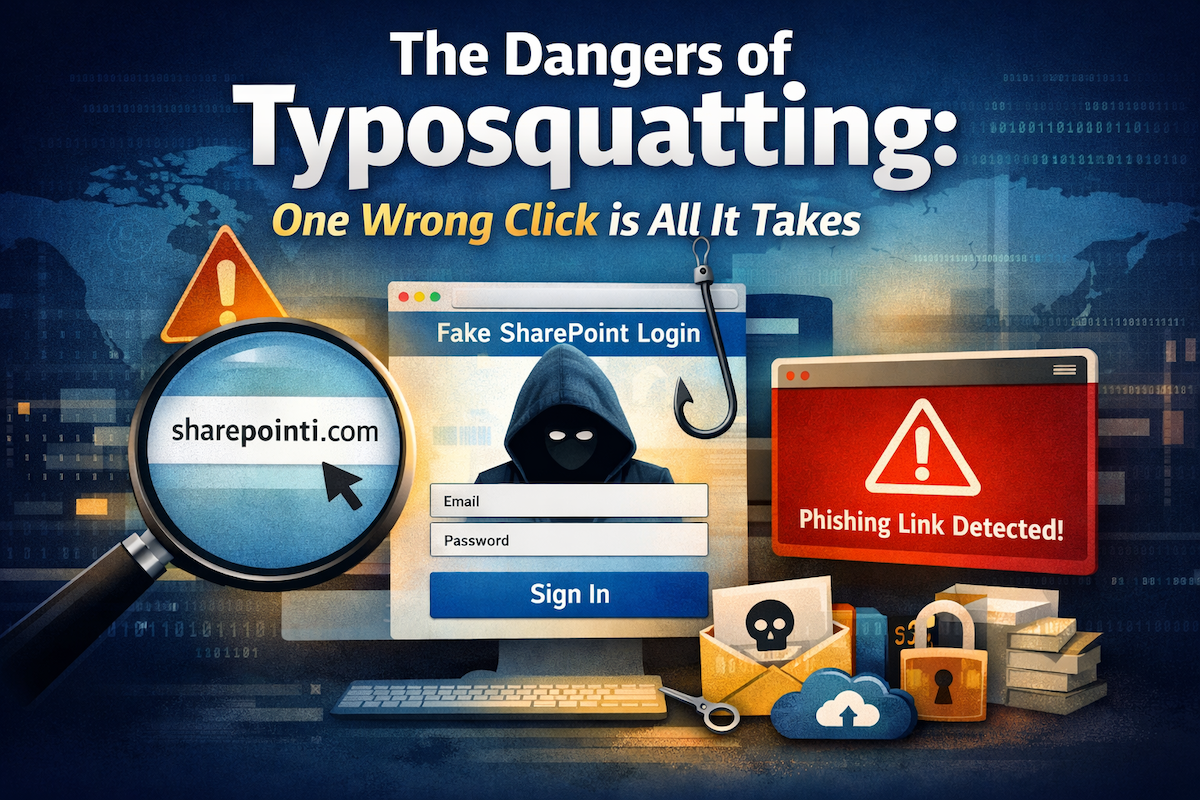
Typosquatting is not new, nor is it sophisticated. Yet it remains one of the most effective methods attackers use to compromise users, credentials, and entire enterprises. The attack exploits a single, very human behavior: the habit of typing quickly and trusting what looks familiar.
What Is Typosquatting?
Typosquatting occurs when an attacker registers a domain that closely resembles a legitimate one, usually differing by just one character.
Example:
- Legitimate:
sharepoint.com - Typosquatted:
sharepointi.com
To a human eye—especially in an email, chat message, or shortened URL—the difference is often invisible. The attacker gains a doorway.
Typical characteristics of a typosquatted domain:
- Hosted outside trusted infrastructure
- Uses third‑party name servers
- Registered with low‑friction providers to avoid rapid takedown
Why These Links Are So Dangerous
- Credential Harvesting – Typosquatted sites mimic real login pages. Users enter credentials, which are immediately captured. The page may redirect to the legitimate site afterward, masking the theft.
- MFA Is Not a Silver Bullet – Modern phishing kits proxy authentication in real time, capturing and replaying MFA codes before expiration. A valid session token renders MFA ineffective.
- Account Compromise Cascade – A single stolen account can trigger internal phishing campaigns, access to SharePoint, OneDrive, and Teams data, Business Email Compromise (BEC), privilege escalation via OAuth abuse, and long‑term persistence without malware.
Why SharePoint & Collaboration Platforms Are Prime Targets
- Trusted by default
- Used daily
- Full of shared links
- Rarely questioned by users
A malicious SharePoint look‑alike feels like a legitimate work link. Familiarity is the weapon.
The Infrastructure Behind Typosquatting
Attackers choose providers that offer:
- Rapid domain registration
- Minimal identity verification
- Slow abuse response
- Cheap hosting rotation
This allows them to “burn” domains quickly and move on before detection catches up.
Practical Countermeasures
Human‑Centric Actions
- Pause before clicking links, especially those that create urgency.
- Read the domain from right to left; focus on the registered domain, not the brand name.
- Treat any unexpected login prompt as a security event.
- Question urgent links—urgency is often artificial.
Technical Controls
- Deploy domain monitoring and typosquat detection tools.
- Enforce conditional access policies.
- Use phishing‑resistant MFA wherever possible.
- Monitor OAuth app usage.
- Enable real‑time alerting for new domain impersonation attempts.
Takeaway
Typosquatting exploits trust, speed, and routine—human factors, not ignorance or carelessness. Most breaches start with a link that looked right enough.
If you’d like assistance with domain monitoring, early impersonation detection, or tightening credential‑abuse controls, consider starting that conversation before the click happens.